Elevate Your Browser Experience
Powerful bookmark search for Chrome & Edge with smart categories, AI-driven organization, and beautiful interactive views.
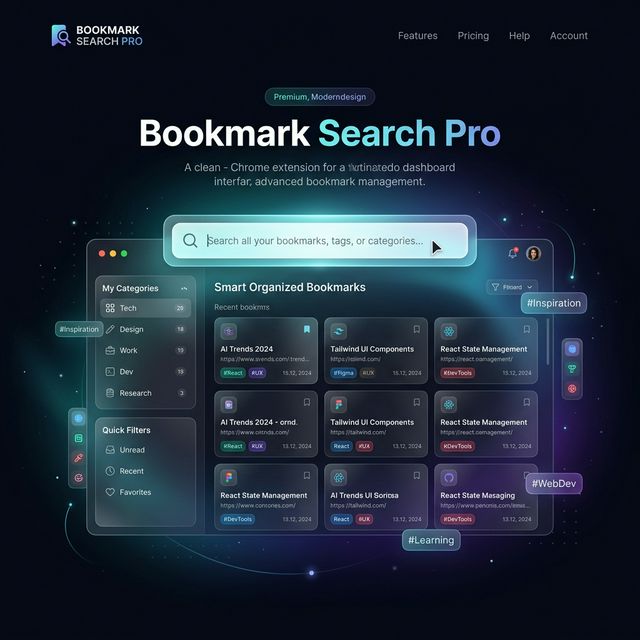
Built for Power Users

Instant Fuzzy Search
Search across titles, URLs, categories, and tags with split-second multi-word fuzzy matching.

AI Categorization
Automatically group and organize your bookmarks using OpenAI, Anthropic, or Gemini models.
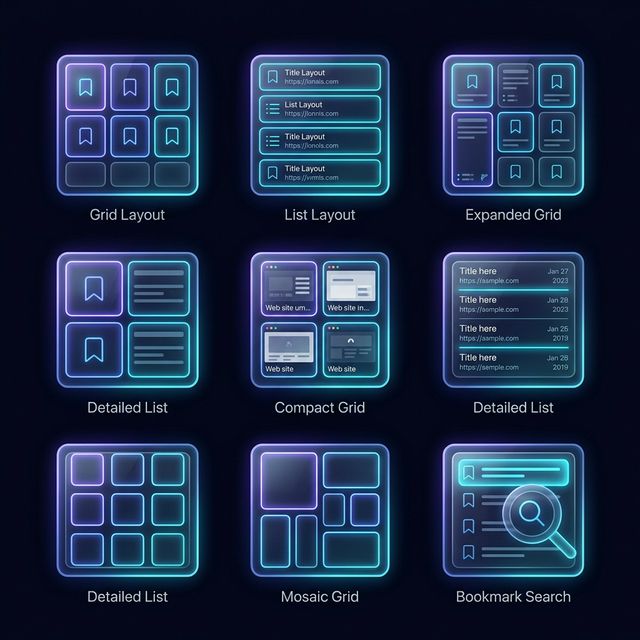
7 Dynamic Views
Visualize your collection with Flat, Category, Folder, Domain, Date, Tag, and Mind Map layouts.
Ready in Seconds
Store Access
Visit the Chrome Web Store. Microsoft Edge users can also install directly from the Chrome Store!
Chrome Web Store →One-Click Install
Click "Add to Chrome" (or "Get" in Edge) to install the extension to your browser toolbar.
Import Bookmarks
Open the extension; it will detect your empty collection and prompt you to import your browser bookmarks with a single click.
Master Your Bookmarks
Getting Started
Once installed, Bookmark Search Pro can be accessed in three ways:
- New Tab Page: By default, it replaces your new tab page for instant access (can be disabled in settings).
- Extension Popup: Click the icon in your toolbar to quickly save the current tab or perform a quick search.
- Full Dashboard: Click "Open Full App" from the popup to access all features.
Searching Bookmarks
Bookmark Search Pro uses an advanced fuzzy search engine. You don't need to match exact strings; just type keywords separated by spaces to filter results.
- Highlighting: Search terms are highlighted in real-time within titles and URLs.
- Context Search: The search automatically scans categories and tags as well.
Pro Tip: Toggle the "History" source in the header to search through your browser history alongside bookmarks!
Layout & Views
Switch between 7 different perspective to find what you need:
AI Categorization
Leverage the power of LLMs to automatically categorize your collection. Navigate to the AI Tools menu (top right flyout).
- Select your provider (OpenAI, Anthropic, Gemini, or Ollama).
- Provide your API Key (stored securely in local storage).
- Click "Start Categorization".
Bookmarks without a category will be analyzed based on their title and URL to find the best fit from the standard taxonomy.
Bulk Editing & Triage
Need to reorganize? Open Edit Mode by clicking the Pencil icon in the selection bar.
- Drag & Drop: Easily move bookmarks between folders or categories.
- Staged Changes: All edits are pending until you click "Save Changes". This prevents accidental data loss.
- Triage Mode: Enter triage mode to quickly cycle through uncategorized bookmarks one by one.
Themes & Customization
Make it yours. Bookmark Search Pro supports several premium themes through the settings menu:
- Light & Dark: Classic clean themes.
- Pro Linear: Sharp minimalist technical theme.
- Glass Bento: Modern frosted glass panels.
- Antigravity: Premium glowing indigo flagship theme.